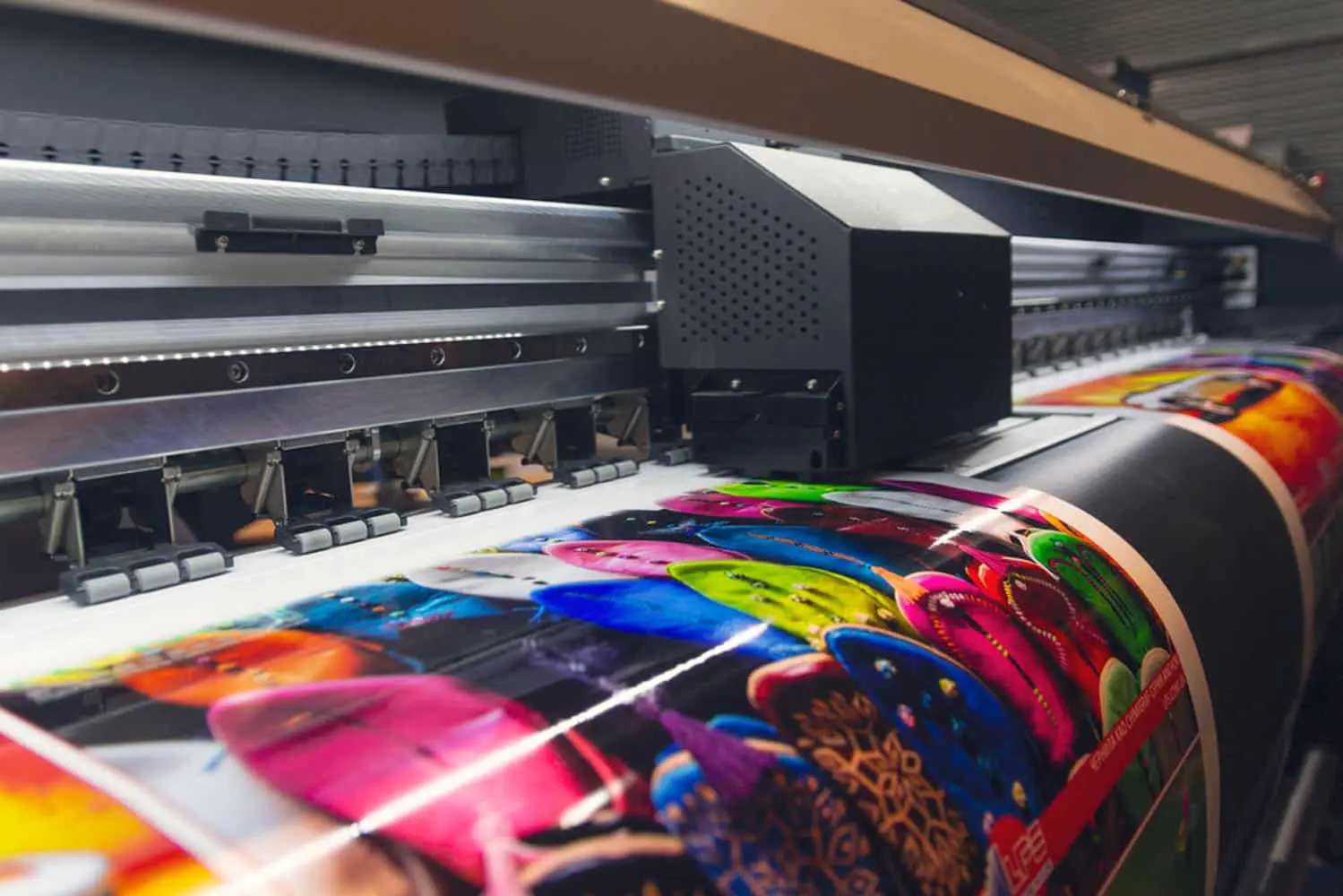
Print problems often begin before the file reaches the printer. A design can look perfect on a monitor and still produce unexpected colours, cropped text or soft images because the artwork was prepared without considering the physical production process.
Know the finished physical size first
Start from the printer's required finished dimensions. Do not design at an arbitrary size and expect the printer to scale it without consequences. Scaling can affect image quality, text proportions and the relationship between margins and artwork.
Separate trim, safe area and bleed
The trim is where the finished piece is cut. Important text and logos should stay comfortably inside the safe area. Backgrounds or images intended to reach the edge usually need bleed beyond the trim. The exact requirement depends on the printer, so confirm it before final export.
Understand RGB and CMYK as production environments
RGB describes light-based colour used by screens, while CMYK is associated with process printing. Conversion is not simply a button that guarantees identical colour. Some bright screen colours cannot be reproduced by a particular printing process, so colour expectations should be managed before production.
Resolution is about output size
A large pixel dimension does not automatically mean an image will print well. What matters is the relationship between pixel dimensions and the physical size at which the image is reproduced. Inspect important photographs at their intended output size rather than judging only by their dimensions in a file browser.
Design for the viewing distance
A business card and a roadside banner should not be judged by the same standards. Small print needs close-reading legibility. Large-format work is often viewed from a distance, so hierarchy, contrast and simplicity become even more important.
Use the printer as a production partner
Ask for the printer's preferred PDF standard, colour profile, bleed, crop-mark requirements and acceptable file formats. Requirements vary with equipment and finishing. A generic export preset is not a substitute for production specifications.
Final preflight
- Confirm finished size and orientation.
- Check bleed and safe margins.
- Inspect images at output size.
- Check colour handling and important brand colours.
- Check fonts and linked assets according to the printer's workflow.
- Proof the final PDF before sending it.
Victorious Visuals analysis: “Print-ready” is not a file extension. It is evidence that the artwork has been checked against the physical process that will reproduce it.
Practical takeaway
Design with production in mind from the first layout. The earlier you consider size, colour, finishing and viewing distance, the fewer expensive surprises remain at the end.